

Applications tab
See every application of a candidate, where each one stands in the job’s workflow, change its status as from the Kanban, or add the candidate to a new job.
What it does
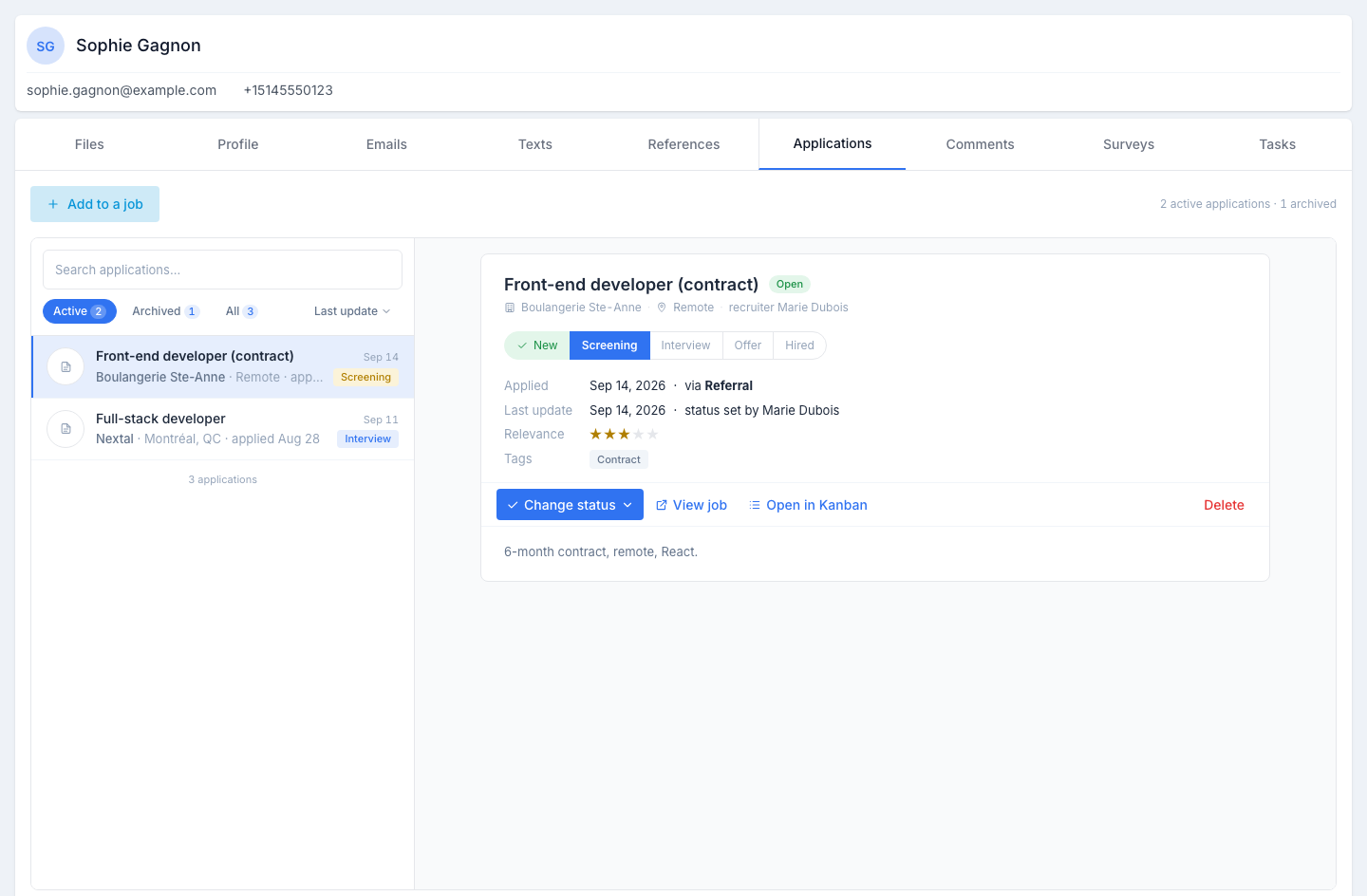
Lists every application linked to this candidate — active and archived — and shows, for the one you select, the job’s workflow with the current step lit. You can change the status without opening the Kanban, open the job or the Kanban, delete the application, or add the candidate to another job.
The list
One row per application: the job title, the client, the location and the applied date, the last-update date on the right, and a pill with the current step.
Above it: a search, the Active · Archived · All chips with their counts, and the Last update sort. The tab opens on the active applications (or on All when only archived ones remain) and selects the most recent.
An application’s detail
Click a row. On the right:
- the job title with its state — Open job, Filled job or Closed job — and the word archived when it applies; below, the client, the location and the recruiter;
- the pipeline — the steps of the job’s workflow, in order: the ones already passed are ticked, the current step is lit, the next ones are greyed out. An ended application — denied by you or declined by the candidate — shows its steps dashed and ends with a red pill carrying its final status; the Reason given shows underneath;
- Applied — the date and the source (via Indeed, Referral, Manual…, with sponsored when the posting was); Last update — the date and who set the status; Relevance — the application’s star rating, 1 to 5; Tags;
- the actions: Change status ▾, View job, Open in Kanban (this candidate’s card in focus) and Delete (with a confirmation);
- the job’s summary.
Changing the status
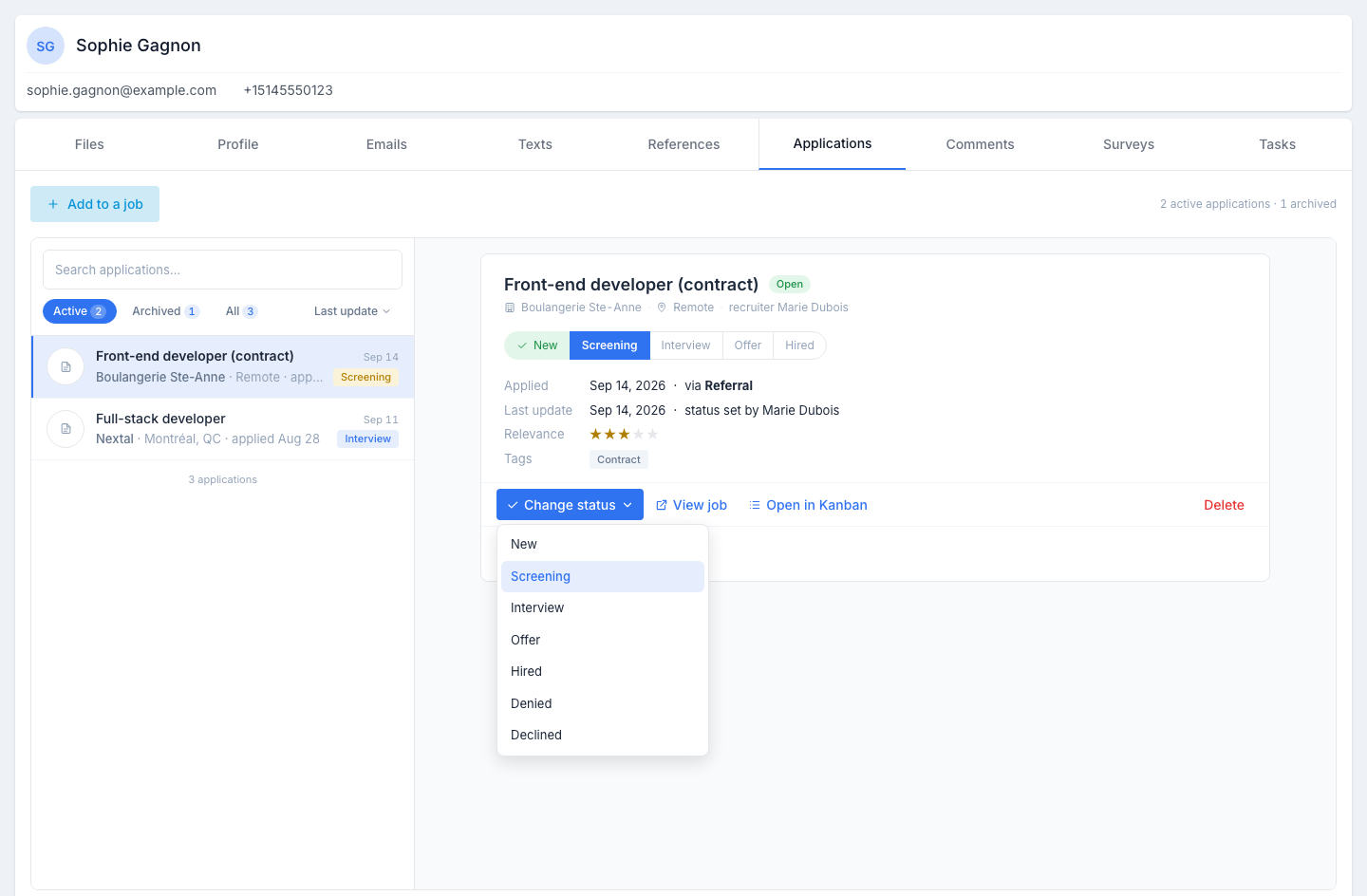
Change status ▾ lists the statuses of the job’s workflow, the current one marked. Picking one moves the application exactly as a drag-and-drop on the Kanban does: statuses that trigger an action open the same panel — sending a text, an email or a survey, scheduling an interview, the deny or decline reason, closing the job on a hire. See Move applicant in workflow for what each status does. The pipeline and the row update right away.
Adding the candidate to a job
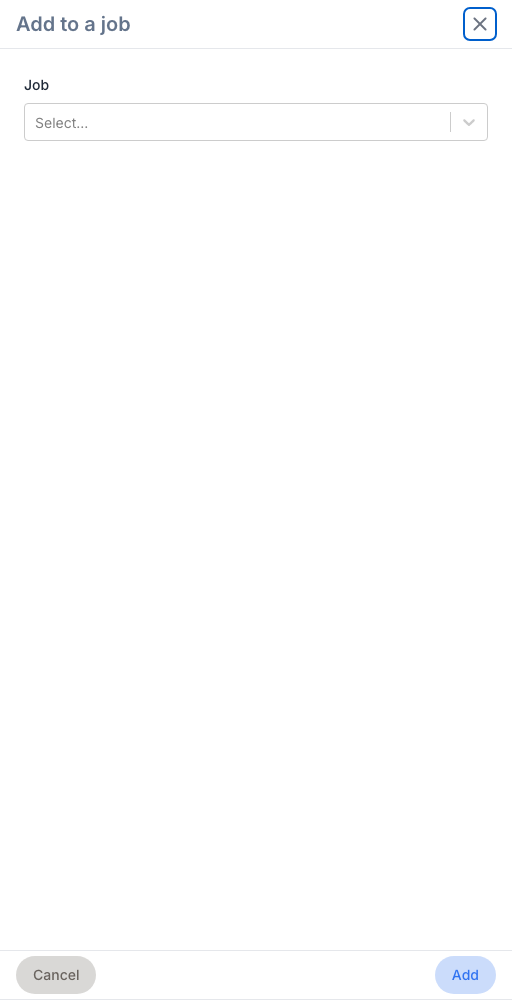
Click Add to a job, type to search for the job, confirm. The application is created at the first step of the job’s workflow and selected in the list; the candidate appears on that job’s Kanban immediately. With no application, the tab reads Not applied to any job yet with the same button.
Who can do what
| What you want to do | What you need |
|---|---|
| See the applications and the pipeline | Access to the candidate |
| Change the status | Edit access on applications |
| Add to a job | Create access on applications |
| Delete an application | Delete access on applications |
Tips
- Multiple active applications are fine. A strong candidate can run two parallel processes (e.g. a senior role and an architect role) without confusion.
- Closed jobs stay visible. Under the Archived chip, the history of past applications stays for ever — useful when the candidate re-applies a year later.
- Change the status from here when you are already on the profile. The Kanban remains the place to work a whole job; the tab, one candidate at a time.